
Getting started
What happens when you sign up, and how to get your school ready.

How do I start using Sidekick MAS?
Start a free trial online. You create your school's account, sign in and start setting up right away.
Is there a free trial?
Yes. New schools get a 30-day free trial, which starts when you sign up.
What should I set up first?
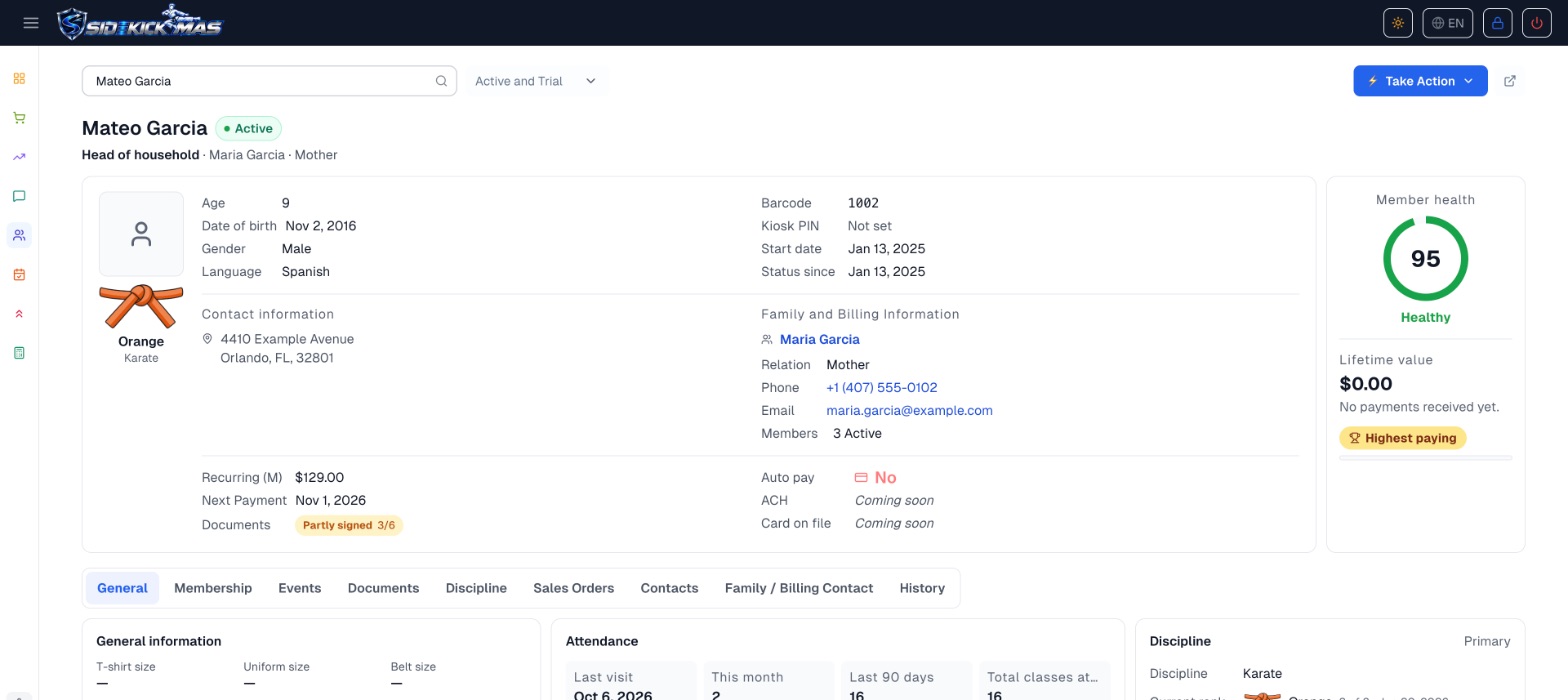
Add your programs and ranks, create your membership plans and set your class schedule. Then add your members and families, and invite your staff.
Can my staff use Sidekick MAS too?
Yes. You invite staff from Sidekick MAS, and each person sets up their own login. You decide what each role can see and change.
Which languages can I use?
English, Spanish, French and Portuguese. Each person on your team chooses the language they read the app in.
Do I need to install anything?
No. Sidekick MAS runs in your web browser. You can use it on a computer, tablet or phone.
More questions




Still have a question?
Start your free trial and look around, or send us a message and we'll get back to you.